Getting Help With Consult
Frequently Asked Questions
Is Consult HIPAA and SOC2 compliant? Jiro operates in full compliance with HIPAA requirements and is compliant with SOC2. Review the Business Associate Agreement (BAA) you accepted at signup for complete details.
How are my CME credits tracked? Completing a clinical query in Consult, including questions about diagnosis, guidelines, dosing, contraindications, or comparative options, and reviewing the response, associated citations, and completing the acknowledgement and attestation statement earns you 0.5 AMA PRA Category 1 credit(s)™. Credits are tracked automatically in your wallet.
How accurate are the responses? Consult pulls from validated clinical guidelines and peer-reviewed literature, and real-world data. Always apply your clinical judgment when reviewing responses. Use the thumbs up or thumbs down button after any response to provide feedback and help improve future results.
Can I use Consult on mobile? Consult is fully supported on both the Jiro web app and mobile app. A few interface differences apply between the two versions.
What is the difference between Jiro Fast and Jiro Thinking? Jiro Fast produces quick clinical answers for clinicians while Jiro Thinking gives deeper clinical reasoning in it's responses. Toggle between models based on your use case. Remember, Consult is not a replacement for your medical judgement.
Common Issues
My response is taking a long time to load. Consult aims to produce a response in about 12 seconds but occasional slowness may occur during peak usage. Copy your question and check your internet connection, refresh the page, then paste and resubmit your question.
My response seems incomplete This can occasionally happen due to a connection interruption. Resubmit your question to generate a new response.
Reference previews are not working On desktop, hover your cursor over the reference to see the preview. On mobile, tap the reference directly.
CME credits are not updating AMA PRA Category 1 credit(s)™ are tracked automatically after each complete Consult session and attestation completion. Allow a few minutes for the update to reflect in your wallet.
I cannot access Consult Confirm that you have completed physician verification and signed the required agreements during signup. Contact support if access issues persist.
I cannot find a question I asked in my Consult history. Consult's history tool names the chat based on the first question that you asked. If you asked a subsequent question, whether related or unrelated to the initial question, it will be stored in that chat. Use the search bar to prioritize terms related to your question.
Contact Support
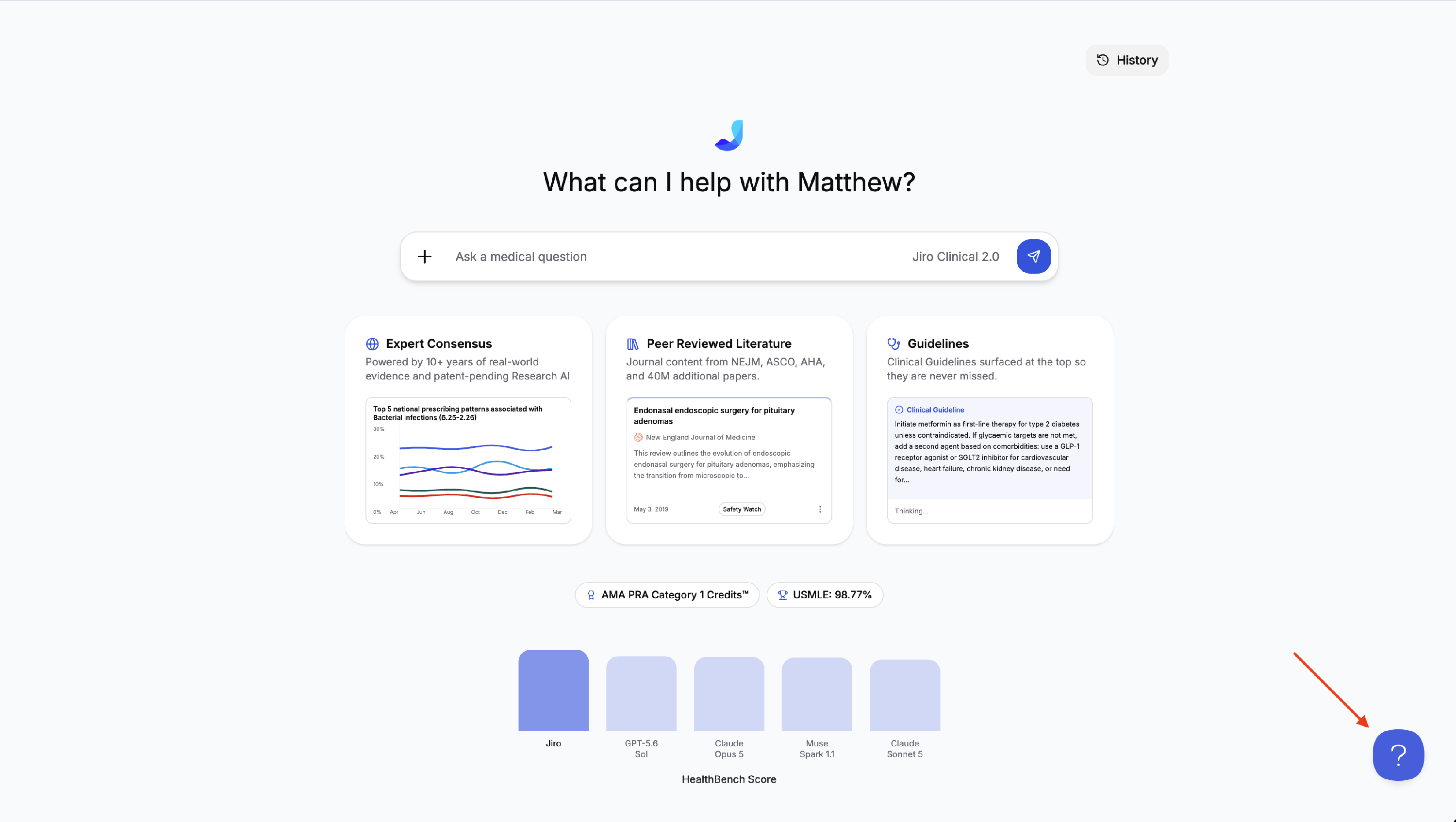
If an issue persists after following the steps above, use the help button or contact support via support@jirohealth.com. To access the help button on iOS, click the “More” tab in the bottom right corner of the app, and click “Get help”.