
Downloading & Using The iOS App
- Overview
- System Requirements
- How To Download
- Logging In
- What's Available In The iOS App
- Important To Remember
- Related Articles
Overview
The Jiro iOS app brings your full practice intelligence experience to iPhone, including Practice, Research, Consult, and Discover. A small number of actions are only available on the web at jirohealth.com.
System Requirements
- iPhone running iOS 15.0 or later
- Note: you will need to sign up through the web before using the app
- An active Jiro account
How To Download
- Open the App Store on your iPhone.
- Search for Jiro.
-
Select the Jiro app from the results and tap Get to install.
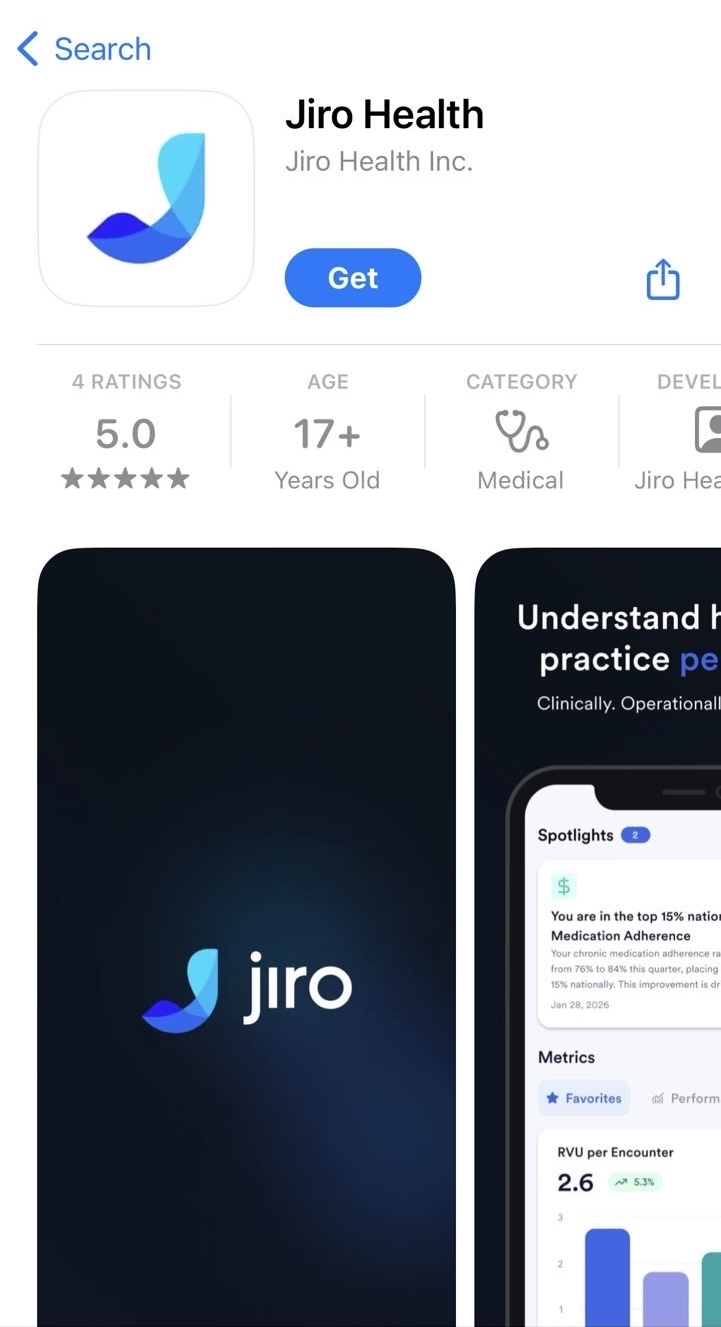
You can also download directly via this link: https://apps.apple.com/us/app/jiro-health/id6757542746
Logging In
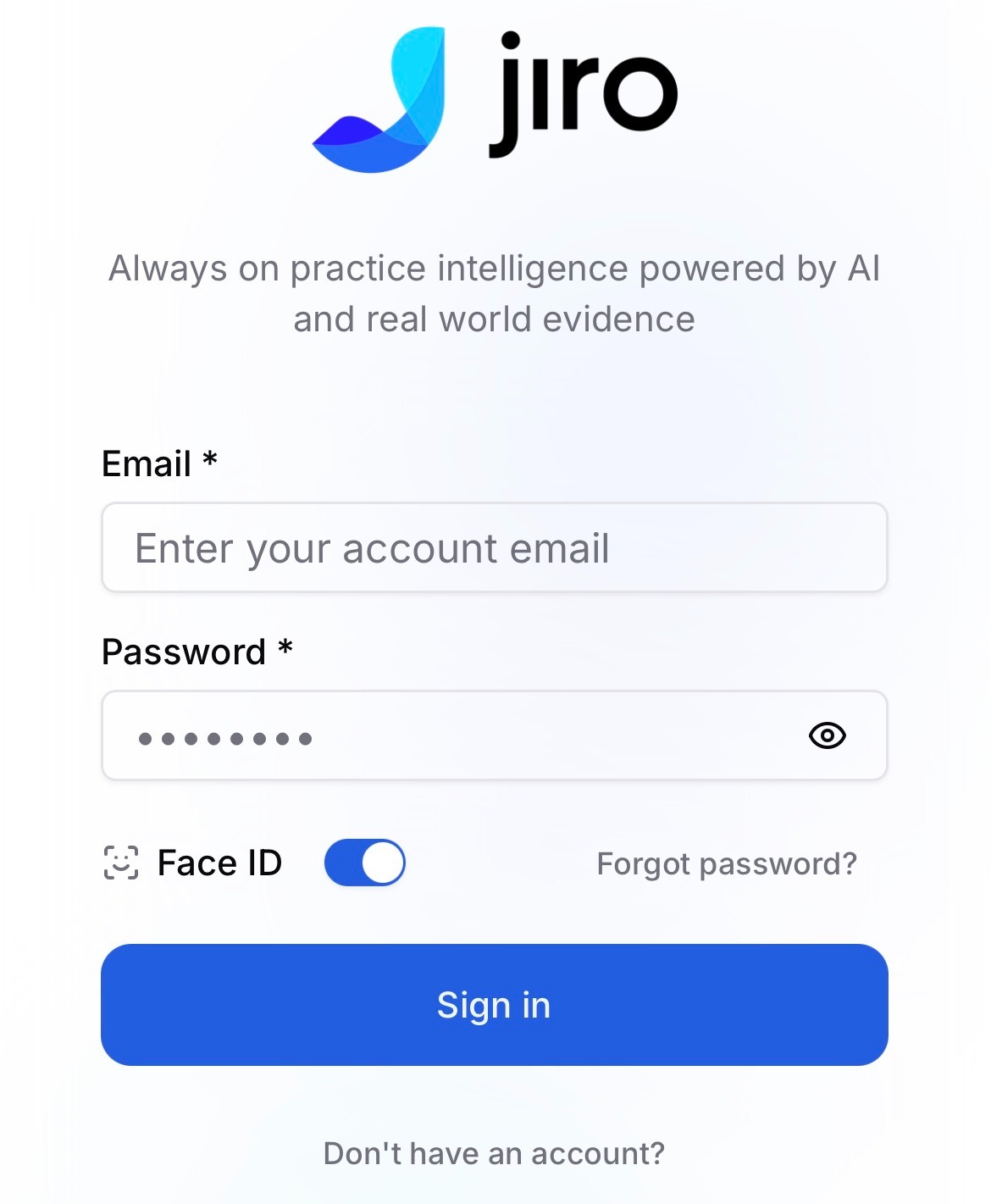
- After downloading, open the app.
- Enter the email and password for your Jiro account.
- Tap Sign In. You can enable Face ID to sign in after your first login
If you have not yet created a Jiro account, complete registration at jirohealth.com before logging in through the app. See Create Your Account for instructions.
What's Available In The iOS App
The iOS app provides full access to Practice, Discover, Consult, and Insights. All core Jiro features are available on iOS.
Important To Remember
- Jiro is available for iOS only. An Android version is not currently available.
- The app updates automatically when new versions are released, provided automatic updates are enabled on your device.
- If you are unable to log in, verify your credentials at jirohealth.com or contact Jiro support.