How To Earn Perks
- Purpose
- What Are Perks?
- How Perks Are Earned
- What Is Tremendous?
- How To Redeem Perks
- Related Articles
Purpose
This article explains the Perks program in Jiro, how credits are earned through platform activity, how the wallet works, and how to redeem your balance through Tremendous.
What Are Perks?
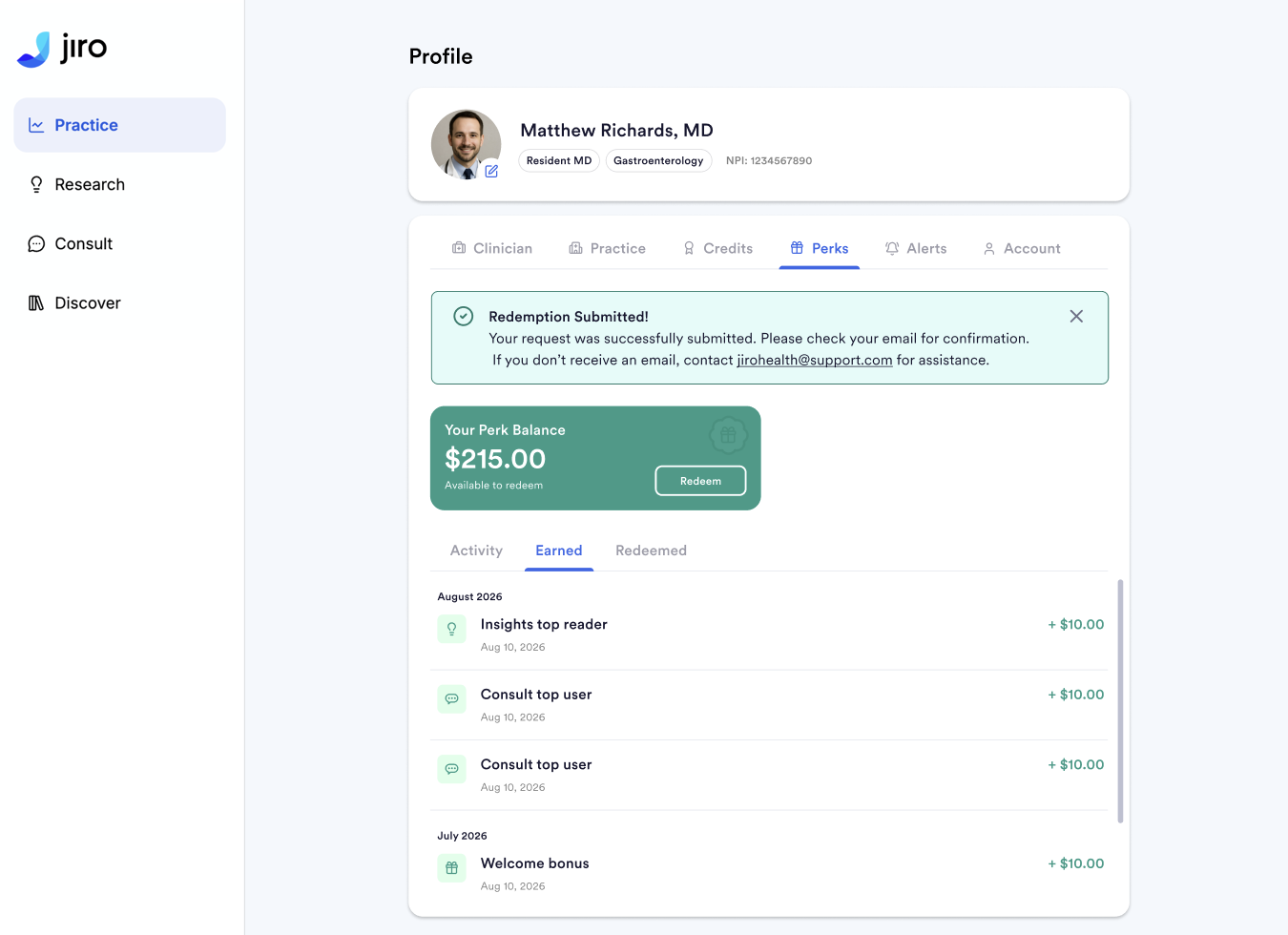
Perks is Jiro’s built-in clinician rewards program. Eligible activities on the platform automatically credit your Perks wallet with cash-value amounts. When you are ready to redeem, you can transfer any portion of your balance through Tremendous, a third-party rewards provider that offers a catalog of reward options.
How Perks Are Earned
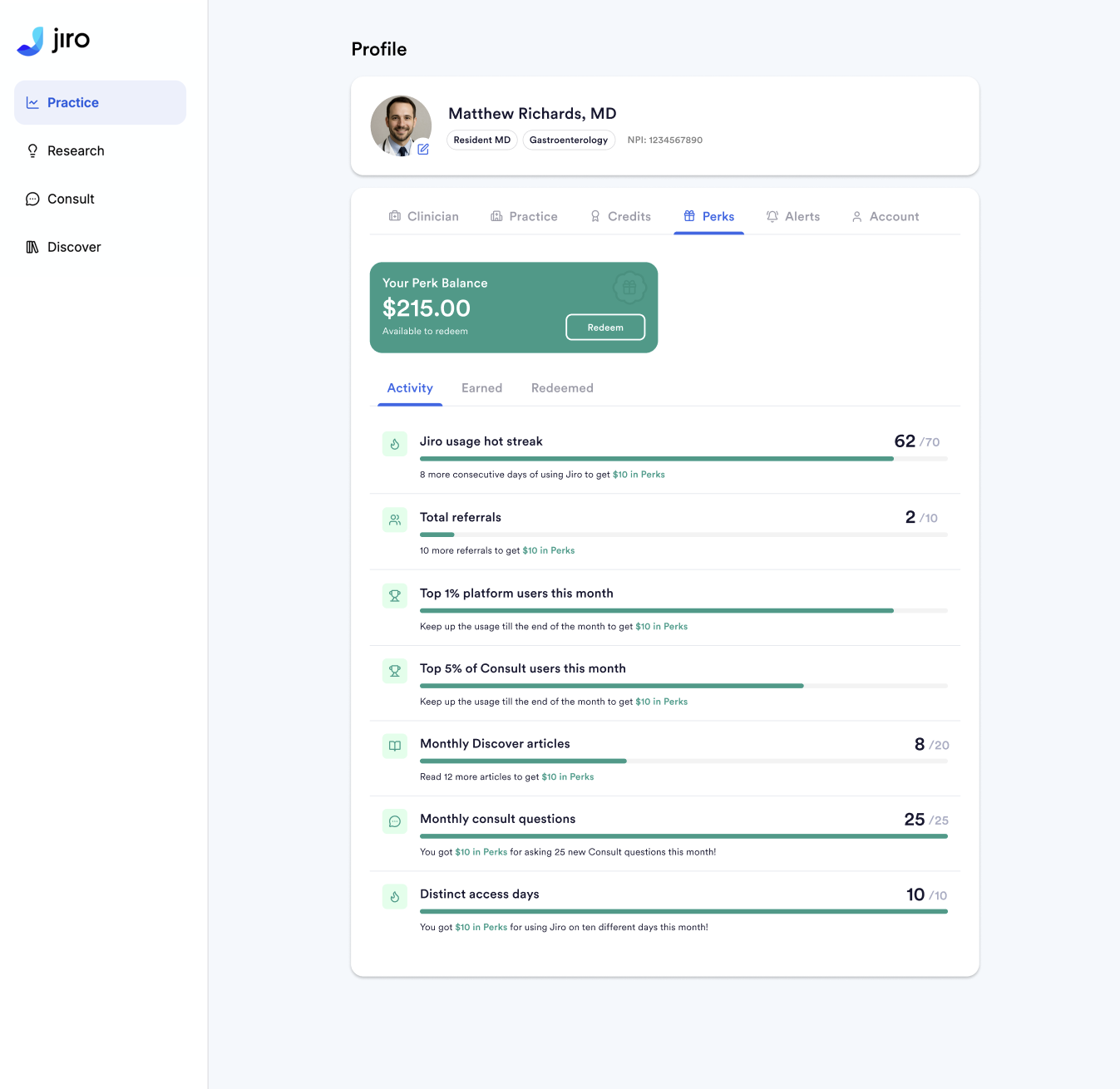
Perks credits are awarded based on specific triggers. Some are one-time; others reset on a monthly or milestone basis.
|
Trigger |
Reward |
Repeatability |
How It Works |
| Sign-up bonus | $5 | One time | Credited after completing sign-up, onboarding, and reaching active status, requires using Consult, reading a Discover summary, and viewing a Research card. |
| Hot Streak | $5 | Resets after 10 consecutive days or a missed day | Engage with Jiro for 10 consecutive days by using Consult, viewing Metrics, or reading Discover summaries. A missed day resets the streak to zero. |
| Referral Milestones | $5 | Every 10 confirmed referrals | Earned for every 10 confirmed referral sign-ups. The counter does not reset. |
| Top 1% of Jiro sers | $10 | Monthly | Awarded at month-end to users ranked in the top 1% of overall Jiro usage. |
| Top 5% of Consult users | $5 | Monthly | Awarded at month-end to users ranked in the top 5% of Consult activity. |
| 25 new Consult questions | $5 | Monthly | Open 25 or more new Consult threads in a single calendar month. |
| 10 tool accesses | $5 | Monthly | Access Jiro on 10 or more different days in a month, provided a Hot Streak was not earned that month. Hot Streak takes priority. |
| 20 Discover summaries | $5 | Monthly | View 20 or more Discover summaries in a single calendar month. |
What Is Tremendous?
Tremendous is the third-party rewards provider Jiro uses to deliver Perks redemptions. When you redeem your balance, Tremendous sends an email to your registered address with reward selection options from their catalog.
How To Redeem Perks
- Open your Perks wallet in Jiro and select the amount to redeem.
- Tremendous sends a redemption email to your registered address with available reward options.
- Select your preferred reward from the Tremendous catalog.
- Tremendous sends a confirmation email with your reward details. Retain this email for your records.