
Intro To Perks
- Overview
- Earning Perks
- Redeeming Your Balance
- Tracking Your Progress
- Important To Remember
- Related Articles
Overview
Perks rewards you for engaging with Jiro. As you use the platform, running questions through Consult, reviewing your Practice metrics, and reading Discover summaries, or viewing Research cards, you earn Perks that accumulate in a wallet on your profile and can be redeemed for real value through a range of options.
Each perk is worth $1. There is no minimum balance required to redeem.
Earning Perks
Perks are earned by reaching engagement milestones. Some are credited immediately when a qualifying event occurs; others are evaluated at the end of each calendar month based on your activity over that period.
One-Time and Ongoing Rewards
Sign-Up Bonus: Earn $5 automatically when you complete registration and activate your account. This is credited once, at the time your account becomes active.
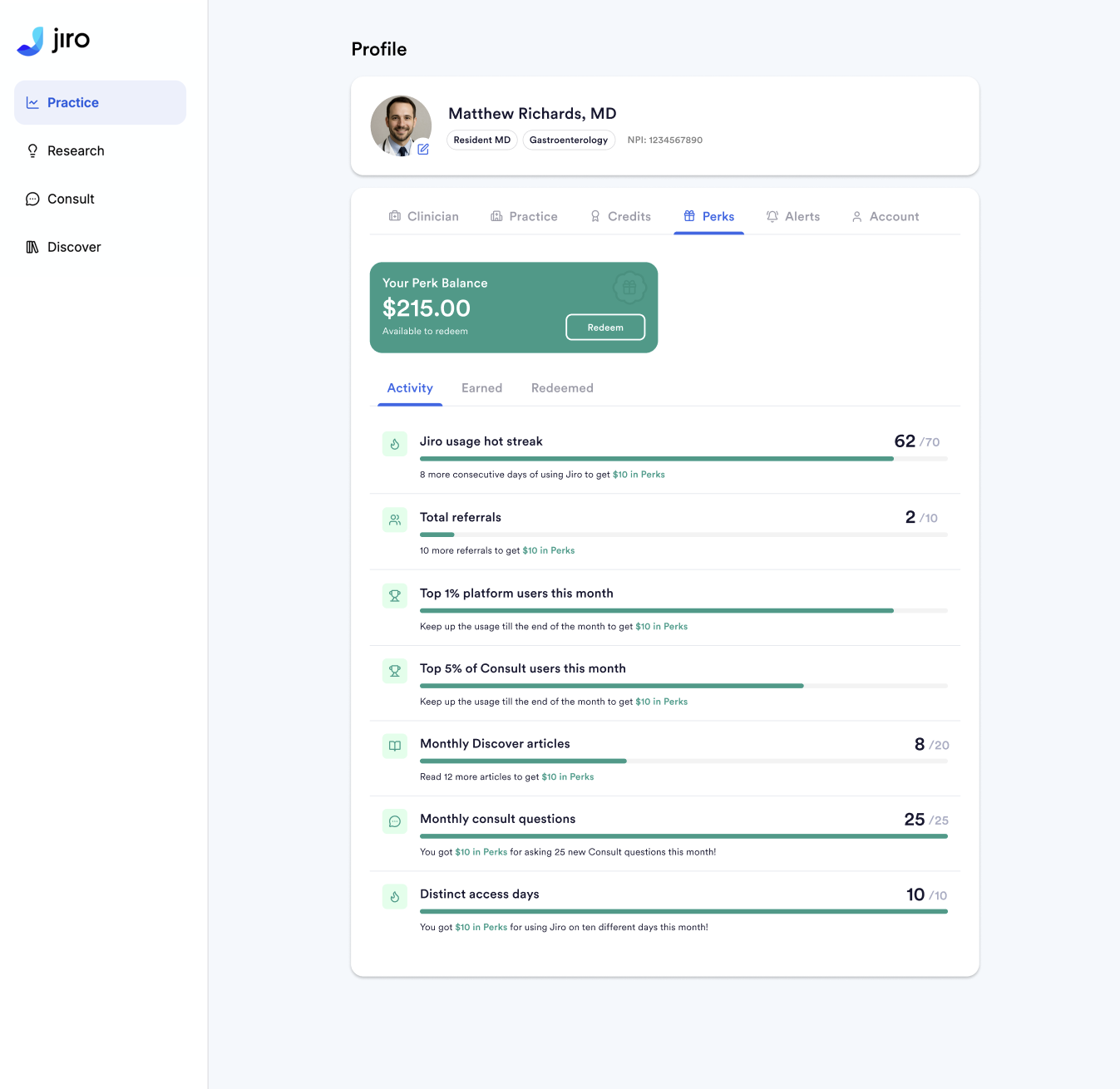
Hot Streak: Earn $5 for engaging with Jiro on 10 consecutive days. Qualifying activities include sending a question through Consult, viewing your practice metrics, or reading a Discover summary. One qualifying action per day counts. Hot Streaks are repeatable, they reset after engaging for 10 days and earning Perks or return to zero if a day is missed.
Referral Milestone: Earn $5 for every 10 physicians you refer who complete registration and activate their accounts. The referral counter accumulates over time with no cap.
Monthly Rewards
The following are evaluated on the first of each month, based on the prior month's activity:
Top 1% of Platform Users: $10 for being among the most engaged users on the platform during the month. Rankings are determined at month-end.
Top 5% of Consult Users: $5 for being among the most active Consult users during the month, based on message and thread activity.
25 New Consult Questions: $5 for starting 25 or more new Consult threads in a calendar month.
10 Access Days: $5 for accessing the platform on 10 or more distinct days in a calendar month. This reward does not apply in months when you earn the Hot Streak.
20 Literature Summaries: $5 for viewing 20 or more literature summaries in a calendar month.
For monthly percentage based Perk rewards, users will not be shown their rank until Perks are awarded. These rewards are awarded on the first of the month following the award month.
Redeeming Your Balance
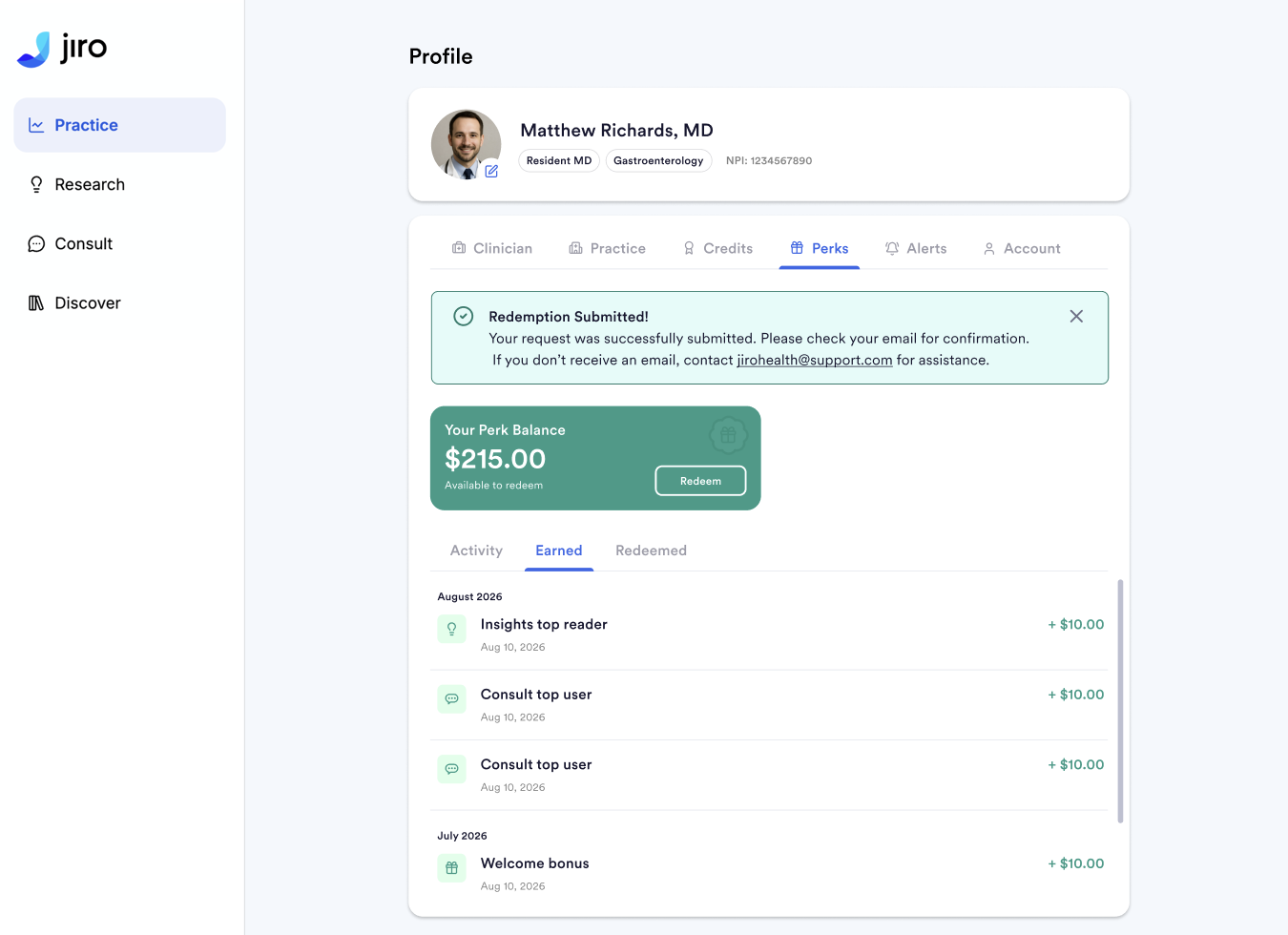
To redeem your balance, navigate to the Perks section of your profile and select the amount you would like to cash out. You can redeem any amount up to your available balance, there is no minimum.
When you confirm a redemption, Jiro Health processes the request and Tremendous, our third-party fulfillment partner, sends you an email with a link to select your reward. Options include Visa prepaid cards, Amazon gift cards, PayPal transfers, and others.
If you do not receive an email from Tremendous, check your spam and junk folders. If the problem persists, you may need to contact your IT department to allow list emails from Tremendous to your organization.
Tracking Your Progress
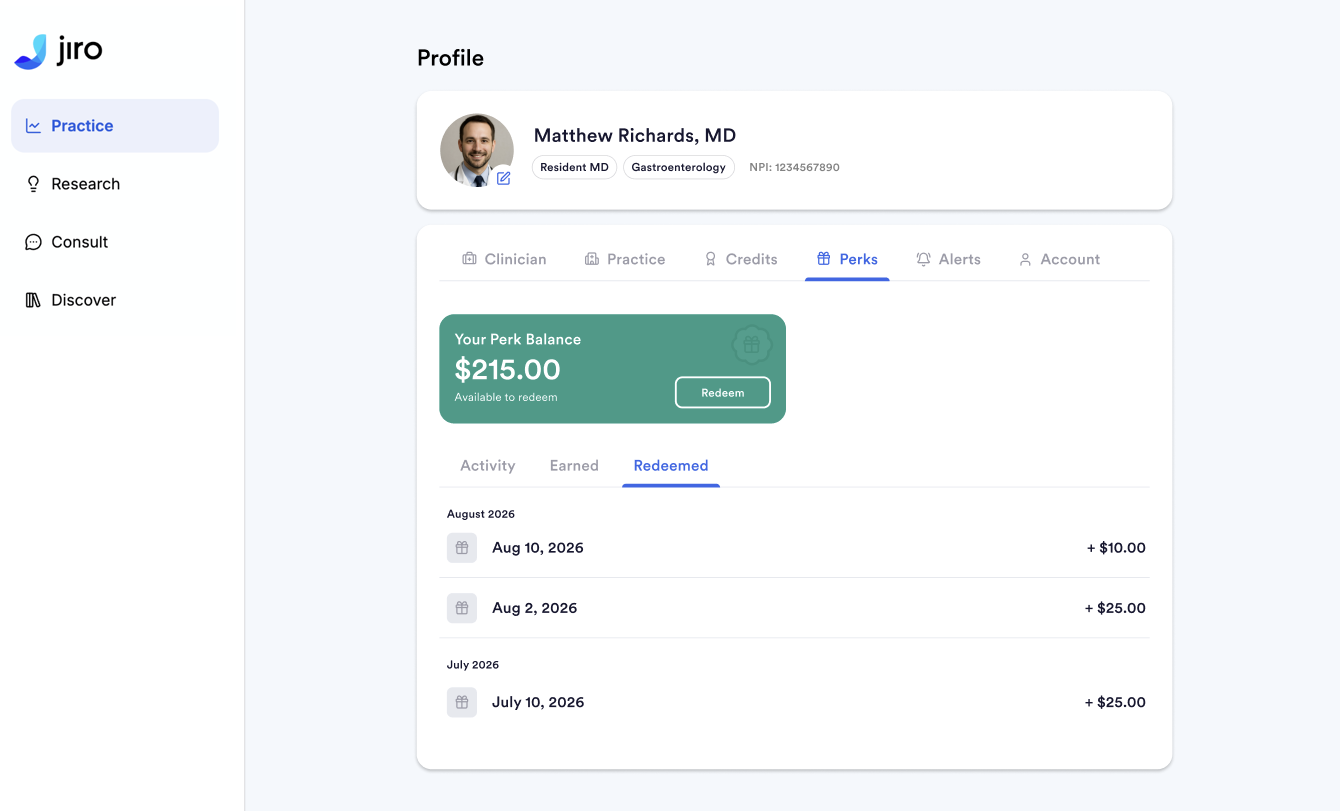
Your wallet balance, lifetime earnings, and redemption history are visible in the Perks section of your profile. For triggers that require cumulative progress, such as the Hot Streak and monthly milestones, the profile shows how far along you are in the current period.
As you reach milestones during normal platform use, notifications appear to surface your progress. For example, after seven consecutive days of activity, a notification confirms your streak count and the remaining days needed to earn.
Important To Remember
- Perks are available to licensed physician accounts only. Non-physician users do not have access to the Perks system.
- Each perk is denominated in USD and equals $1.
- Cumulative redemptions are tracked annually for tax compliance purposes. Earning over $1000 in Perks may require a 1099 tax form filing.
- Perk earnings are credited automatically and are never modified after the fact. Your earnings history reflects a complete, unedited record of all perks you have received.
- If the Perks section does not appear in your profile, the feature has not yet been enabled for your account.